Private beta · macOS and Linux

Import your scores.
Build focused sessions.
Track real progress.

A desktop practice workspace for musicians working from notation. Import MusicXML or MuseScore projects, shape focused sessions, and keep a clear record of progress.

macOS Linux Windows later
Features

Four tools for daily practice.

Practice from your scores, generate sight-reading exercises, train intervals by ear, and keep a practice journal.

Practice difficult passages.

Open a MusicXML score or MuseScore project and work directly from the notation.

  • Slow down playback, loop exact measures, and practice with count-in or metronome.
  • Assign SoundFonts or VST3 instruments per score part and balance them in the mixer.
  • Record a Practice Check take and review pitch, timing, and saved history.
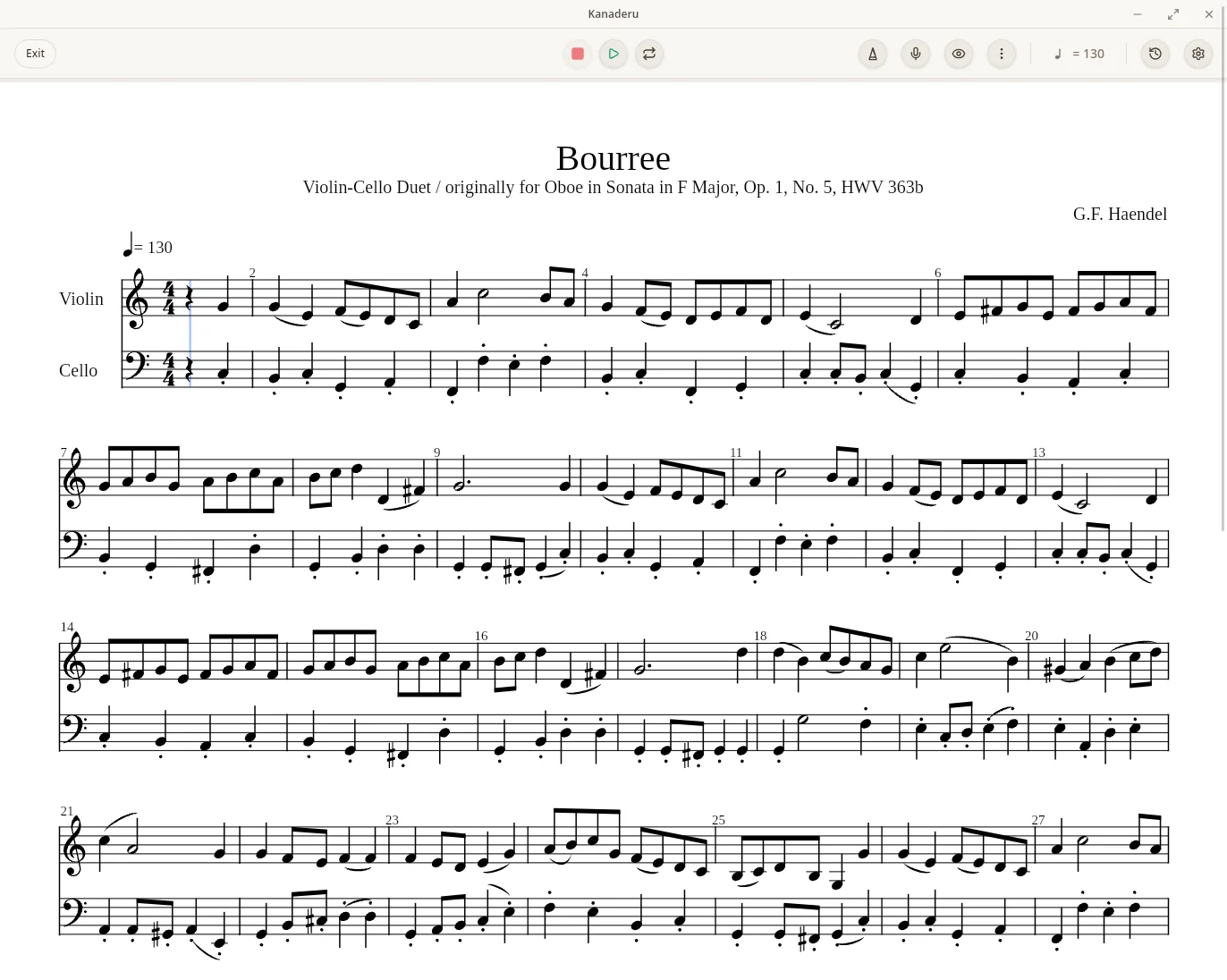
Kanaderu score practice view with notation playback controls.
How it works

One place for daily practice.

Open a score or generate an exercise, work on it, then keep the result and your notes together.

01Open a score from your library or generate a new sight-reading exercise.
02Work with playback, loops, Practice Check, or a focused interval-training session.
03Add notes to your practice journal and return to them next time.
Built for practice

For musicians who work from notation.

Keep your scores, exercises, playback, feedback, and session notes in one desktop app.

A cleaner repertoire library

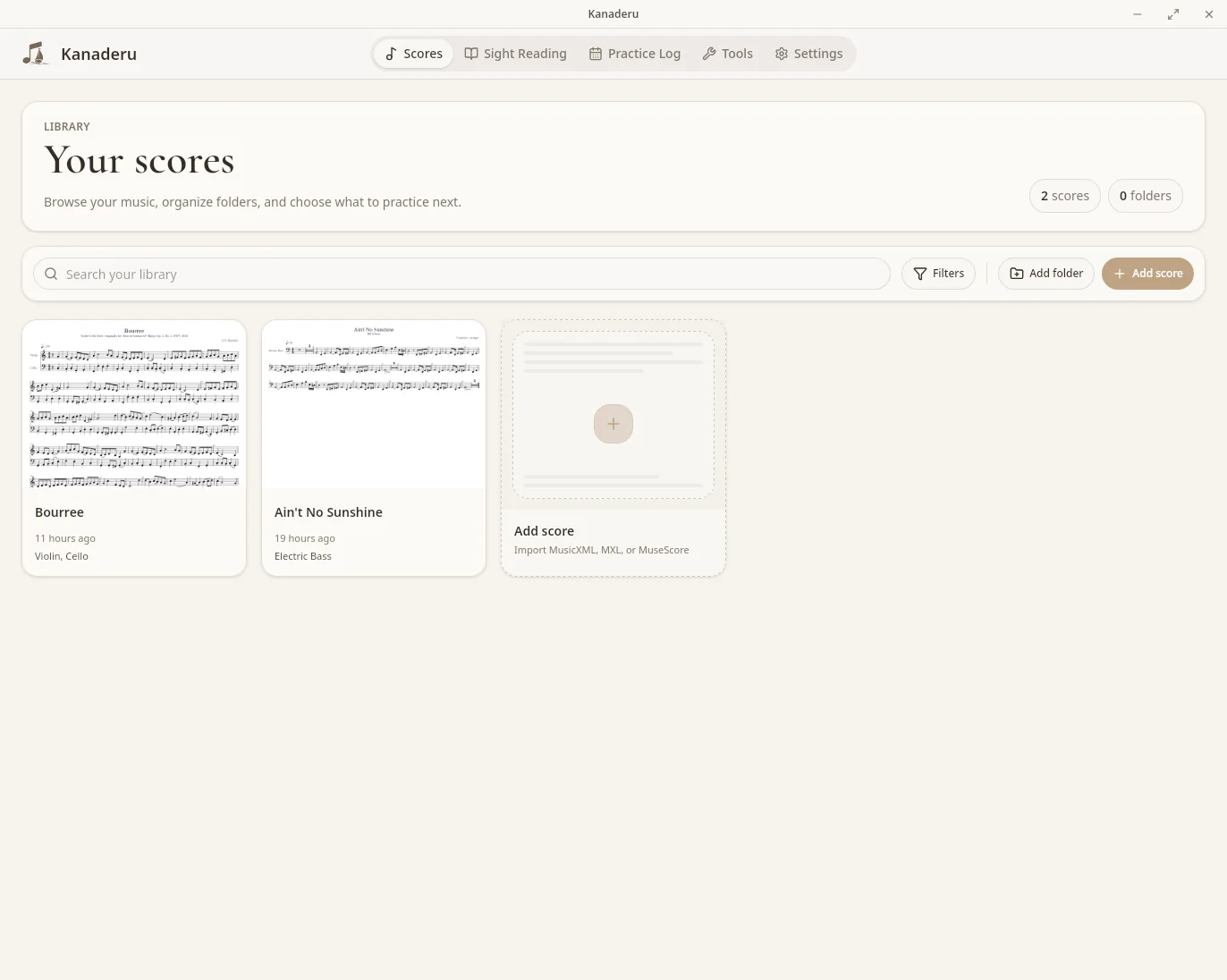
Keep MusicXML, MXL, and MuseScore projects in a local library that is easy to search and return to.

Score practice

Open a score, shape playback, loop passages, record Practice Check takes, and keep the session moving.

Fresh sight-reading material

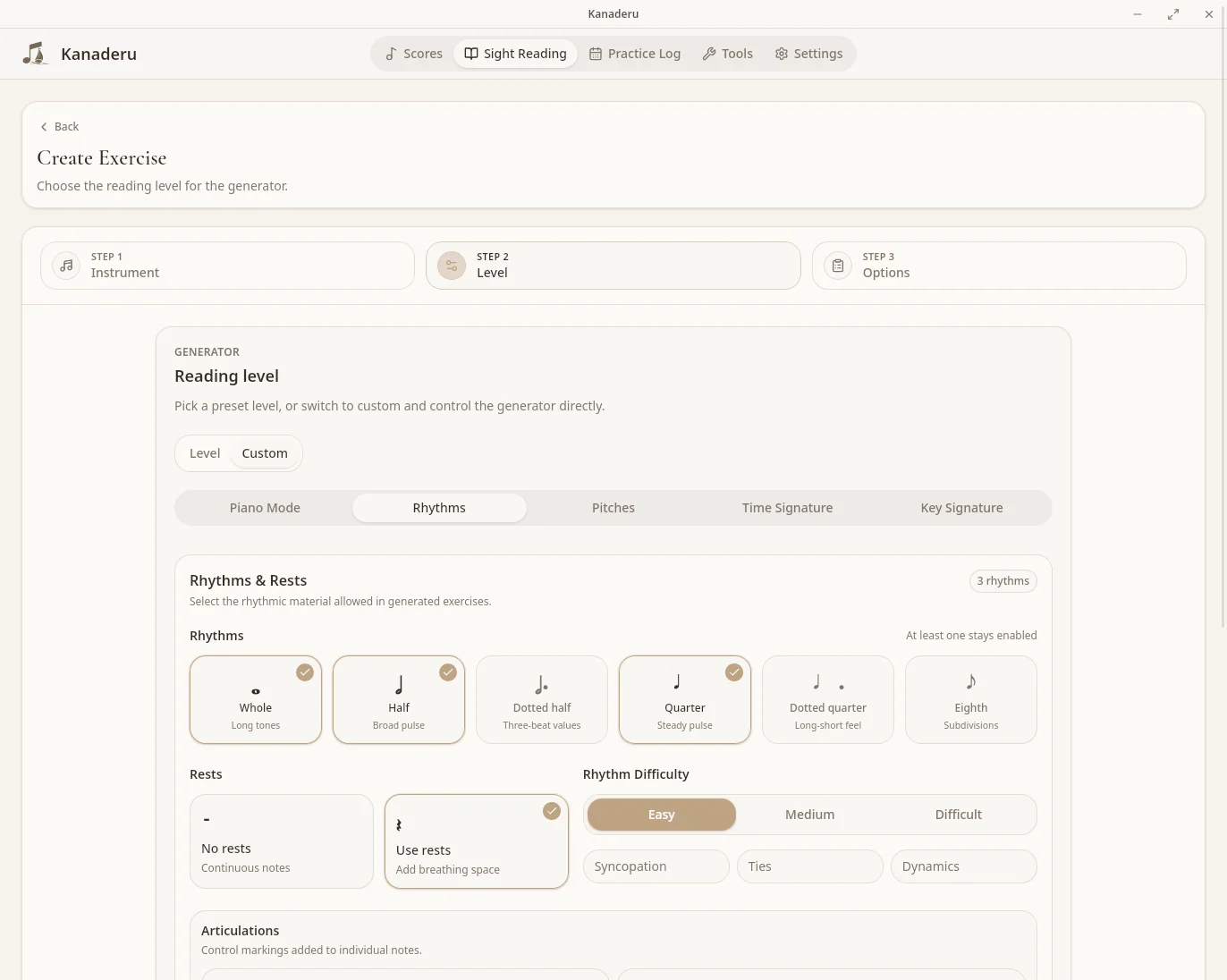
Generate level-based exercises for piano and strings, with custom pitch, rhythm, key, and meter rules.

Interval training

Choose the intervals, tonal centers, directions, and instrument sounds you want to recognize.

Practice journal

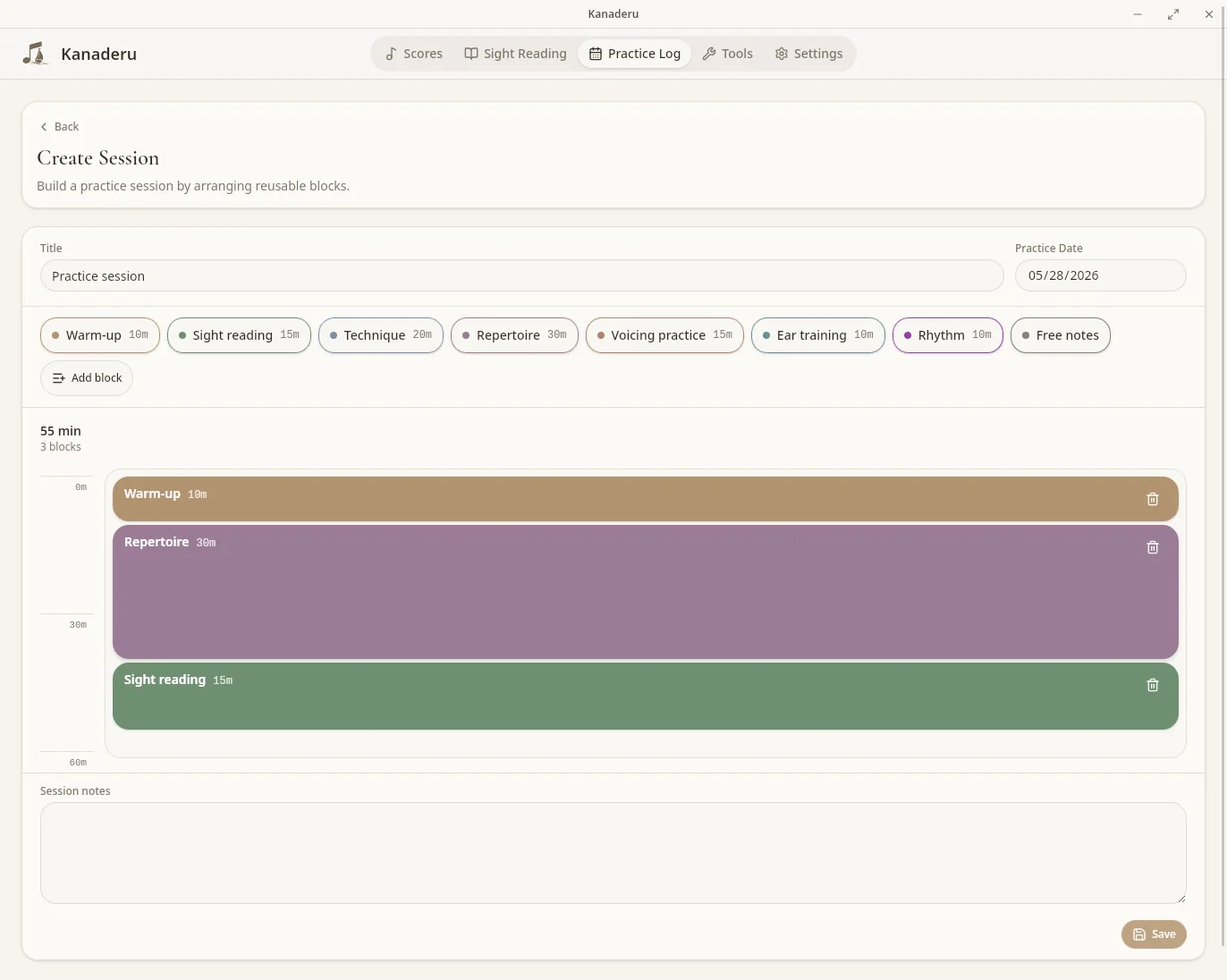
Plan reusable blocks, add session notes, and review previous work on a calendar.

Pitch and timing feedback

Use Practice Check to see which notes landed, where timing drifted, and how one take compares with another.

Pricing

Kanaderu is free.

All local practice tools are included. An optional Supporter plan with cloud sync is planned.

Supporter

For musicians who want cloud sync and would like to support Kanaderu’s development.

Upcoming
Coming later
  • Everything included in Free
  • Cloud sync for scores and folders
  • Cloud sync for saved sight-reading exercises
  • Cloud sync for your practice journal
  • Support continued Kanaderu development
FAQ

Questions about Kanaderu.

What is Kanaderu?

Kanaderu is a desktop app for score-based music practice. It lets you import MusicXML scores or MuseScore projects, practice from notation, use musical playback, train interval recognition, record Practice Check takes, and keep a practice journal.

Can Kanaderu import MuseScore projects?

Yes. Kanaderu imports MSCZ and MSCX projects through an installed copy of MuseScore Studio. It also imports MusicXML, XML, and compressed MXL files directly.

Is Kanaderu free?

Yes. The Free plan includes Kanaderu’s local score-practice, sight-reading, interval-training, Practice Check, and practice-journal tools. An optional Supporter plan with cloud sync is planned; its price has not been decided.

Which platforms does Kanaderu support?

The private beta supports macOS and 64-bit Linux. Linux downloads are available as Flatpak, AppImage, .deb, and .rpm packages. Windows support is planned for a future release.

Does Kanaderu support high-quality playback?

Yes. Kanaderu can assign SoundFonts or VST3 instruments to individual score parts, with per-part volume, mute, and solo controls.

What is Practice Check?

Practice Check records your playing and helps you review pitch, timing, notes, and session history so you can compare takes over time.

Does my practice data stay private?

Kanaderu stores your practice data locally by default. The upcoming Supporter plan will let you sync selected scores, sight-reading exercises, and practice-journal data to your account; practice recordings will remain local.

Made by Studio Kobune in Japan